
Wendy@casenl-china.com +86-18924813070 +86-18033206107
English 

Author: Site Editor Publish Time: 2026-02-12 Origin: Site
Smart home technology isn't just about showing off to your neighbors; it's about simplifying your life. Imagine walking into a room and having the lights adjust automatically, or charging your phone by simply placing it on your nightstand socket. If you've been hesitant to upgrade because you think it requires an electrical engineering degree, think again.
This guide will walk you through the process of modernizing your home with a wifi wall switch and other smart devices. We will demystify the installation process, explain the game-changing technology behind a no neutral smart switch, and show you why a Wireless Charging Socket might just be the coolest upgrade you can make this year. Whether you are a DIY enthusiast or just curious about smart home automation, read on to discover how easy it is to take control of your environment.
Using a smart switch is surprisingly intuitive once installed. At its core, a wifi wall switch replaces your traditional toggle switch but adds a layer of intelligence and connectivity. Instead of physically flipping a lever, you can control your lights via a smartphone app, voice commands through assistants like Alexa or Google Home, or automation schedules.
The beauty of a modern wifi wall switch lies in its versatility. You can still use it manually like a normal switch, which is great for guests. However, the real power comes from remote access. Did you leave the kitchen lights on while rushing to work? A simple tap on your phone solves that. Want the porch lights to turn on at sunset? Your wifi wall switch can handle that automatically.
Furthermore, integrating a no neutral smart switch means you don't even need to worry about rewiring your older home. Many older properties lack a neutral wire in the switch box, which used to be a barrier for smart home adoption. A no neutral smart switch solves this by operating without that extra wire, making smart lighting accessible to almost everyone.
Installing a wifi wall switch is a straightforward process, provided you follow safety protocols. Here is a step-by-step guide to getting your system running.
Safety first. Go to your breaker box and turn off the power to the room where you will be working. Verify the power is off by flipping the old switch.
Unscrew the faceplate and the switch itself. Pull it out gently to expose the wires. Take a photo of the wiring configuration for reference.
If you have a neutral wire (usually white), you can use a standard smart switch. If you only see a live wire (usually black or red) and a ground wire, you will need a no neutral smart switch. This distinction is crucial for the switch to function.
Connect the wires from the wall to your new wifi wall switch according to the manual. Live/Load Wires: Connect these to the corresponding terminals.
Ground Wire: Attach the green or bare copper wire. Neutral Wire (if applicable): Connect the white wire. Capacitor (for no neutral smart switch): Some no neutral smart switch models require a capacitor installed at the light bulb fixture to prevent flickering.
Push the wires back into the box and screw the switch into place. Turn the power back on at the breaker.
Download the manufacturer's app. Put your wifi wall switch into pairing mode (usually by holding the button for a few seconds until it blinks). Follow the in-app prompts to connect the wifi wall switch to your home network.
The invention of the no neutral smart switch has been a massive breakthrough for the smart home industry. In many homes built before the 1980s, electricians didn't run neutral wires to switch boxes because standard mechanical switches didn't need them.
A standard wifi wall switch needs power to stay connected to your network even when the light is off. A neutral wire usually completes this circuit. Without it, the switch can't stay "smart."
A no neutral smart switch bypasses this limitation. It is designed to draw a tiny trickle of power through the light bulb circuit itself, just enough to keep the Wi-Fi radio alive without causing the bulb to light up. This means you don't have to rip open your walls to run new electrical lines. The no neutral smart switch is truly a retrofit solution that saves time, money, and drywall dust.
Once your wifi wall switch is physically installed, integrating it into your digital ecosystem is where the magic happens. A wifi wall switch doesn't just sit there; it communicates.
Most smart switches operate on the 2.4GHz Wi-Fi band, which offers better range through walls than the faster 5GHz band. When setting up your wifi wall switch, ensure your phone is connected to your router's 2.4GHz network.
After connection, you can group multiple switches. For example, you can group every wifi wall switch in the living room. Now, a single command—"Turn on Living Room"—activates them all. You can also link your wifi wall switch to other smart devices. Imagine a routine where unlocking your smart door lock triggers your entry wifi wall switch to turn on, welcoming you home.


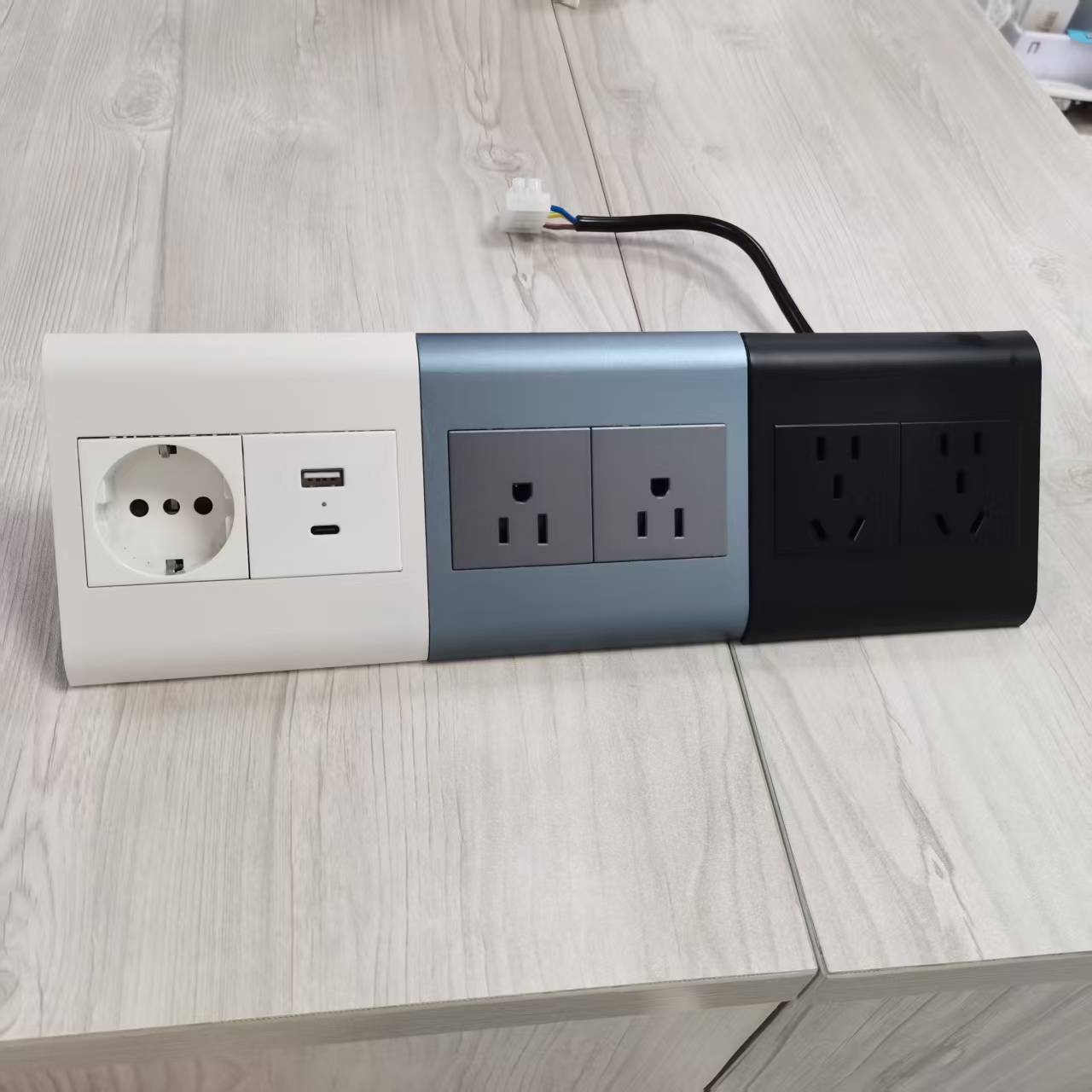
While upgrading your switches, consider the outlets below them. A Wireless Charging Socket is a modern convenience that eliminates cable clutter.
A Wireless Charging Socket looks like a standard wall outlet but includes a specialized faceplate or shelf with built-in Qi wireless charging technology. You simply lean your phone against the faceplate or place it on the integrated ledge, and it starts charging.
Installing a Wireless Charging Socket in the kitchen allows you to follow recipes on your phone without draining the battery. In the bedroom, a Wireless Charging Socket means no more fumbling for cables in the dark. It creates a sleek, hotel-like vibe in your own home. Just like the wifi wall switch, the Wireless Charging Socket is about reducing friction in your daily life.
To help you decide between a no neutral smart switch, a standard wifi wall switch, or where to place a Wireless Charging Socket, we have compiled this comparison.
Feature | Standard Wifi Wall Switch | No Neutral Smart Switch | Wireless Charging Socket |
|---|---|---|---|
Wiring Requirement | Requires Neutral Wire | No Neutral Wire Needed | Standard Outlet Wiring |
Primary Function | Remote Lighting Control | Retrofit Lighting Control | Power & Phone Charging |
Ideal Location | New builds / Rewired homes | Older homes / Renovations | Kitchens, Bedrooms, Offices |
Connectivity | Wi-Fi / Zigbee / Bluetooth | Wi-Fi / Zigbee / Bluetooth | N/A (usually standalone) |
Installation Difficulty | Low | Low (Requires capacitor sometimes) | Low |
Whether you opt for a no neutral smart switch or a standard wifi wall switch, ensuring the device matches your home's wiring is the most critical step.


It depends on the brand. Some no neutral smart switch models connect directly to Wi-Fi, while others use Zigbee or Z-Wave protocols that require a central hub. However, many modern no neutral smart switch options are standalone Wi-Fi devices.
Yes, if you are comfortable changing a standard outlet, you can install a Wireless Charging Socket. It installs almost exactly like a regular receptacle. Always ensure the power is off before starting.
Yes. A wifi wall switch will always function as a manual switch. If the Wi-Fi cuts out, you can still walk up to the wall and turn the lights on or off. You simply lose the remote control and automation features temporarily.
Absolutely. A reputable no neutral smart switch undergoes rigorous safety testing (like CE, FCC, or CCC certification). They are designed to handle electrical loads safely without a neutral wire.
Most Wireless Charging Socket models support standard charging speeds (5W to 15W), which is sufficient for overnight charging or topping up while you cook or work.
Yes, you can mix them. You might use a standard wifi wall switch in the kitchen where wiring was recently updated, and a no neutral smart switch in the older bedrooms. As long as they are compatible with the same app or ecosystem (like Google Home), they will work together seamlessly.
Transforming your house into a smart home is easier than ever. By utilizing a wifi wall switch, you gain control and peace of mind. For those in older properties, the no neutral smart switch ensures you aren't left behind by the tech revolution. And for the ultimate in convenience, a Wireless Charging Socket cleans up your counters and keeps you powered up.
If you are looking for reliable, high-quality manufacturing for these devices, look no further than casenl. With over 15 years of experience and a commitment to quality (ISO9001, CE, FCC, CCC certified), they provide the competitive edge your home or business needs.
Ready to upgrade your living space with a wifi wall switch or a Wireless Charging Socket? Contact the experts today.
Email: Wendy@casenl-china.com
Phone: +86-18924813070


